Complete the following steps:
1. Log in to Client Portal.
2. Select Settings > Account Settings > Reporting >Third-Party Services and click the configure (gear) icon.
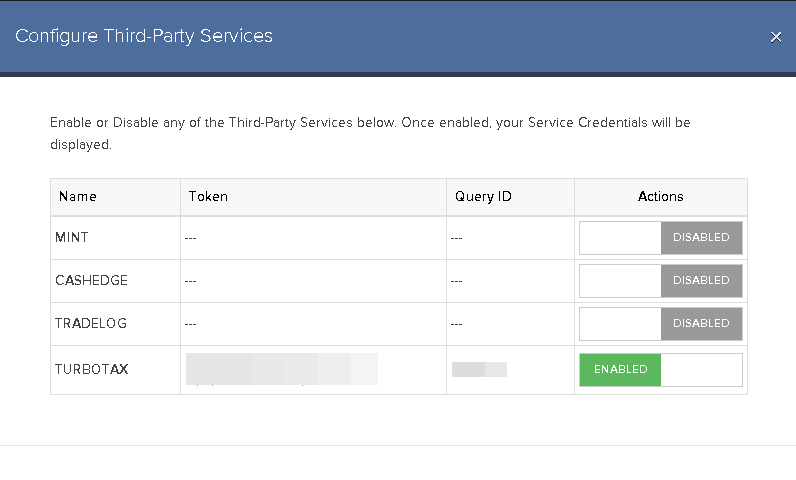
3. Toggle to enable or disable any of the third-party service you want to use.
4. For TurboTax integration, use the Token and Query ID as your credentials to link your Interactive Brokers account.