What is FOP?
- FOP stands for Free of Payment. It allows you to transfer long US stock positions, US Warrant positions, and Corporate and Municipal Bond positions from another US bank or broker that is a member of the Depository Trust Company (DTC).
When can I expect my positions to arrive at Zacks Trade?
- Transfers are generally completed within 3-5 business days, but this depends on your third-party broker.
Complete the following steps:
1. Log in to Client Portal and click Transfer & Pay > Transfer Positions.
2. In the Transaction Type list, select Inbound Position for transferring to ZacksTrade or Outbound for transferring from ZacksTrade.
3. In the Method list, select FOP.

4. In the Broker Information section, complete all fields to identify the third-party broker who will be transferring the assets. Select the broker from the drop-down list; enter your account number, account title and account type at the selected broker; and enter your Tax ID number.
5. To continue with FOP transfer, select No for Save Broker Information.
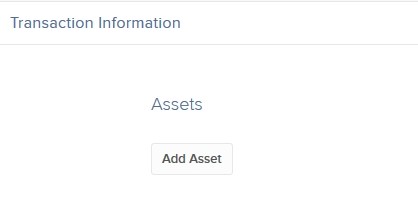
6. In the Transaction Information section, click Add Asset.
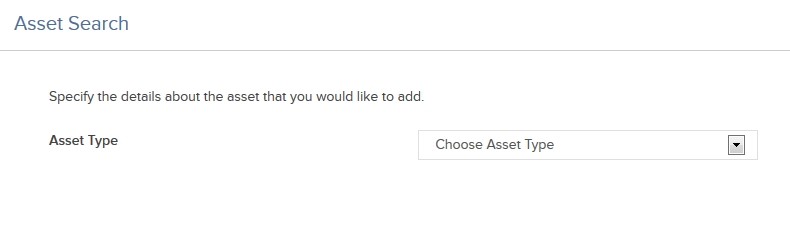
7. In the Asset Search window, select an asset type from the drop-down. For example, select Stock if you want to transfer a stock position.
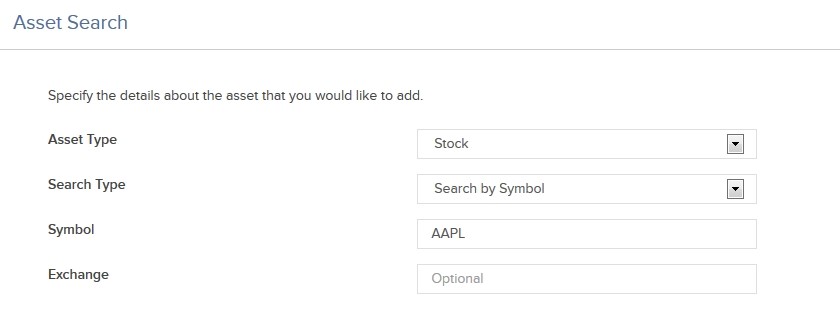
8. Select the Search Type (by Symbol, by CUSIP number or by ISIN number), and then enter the symbol and, optionally, an exchange.
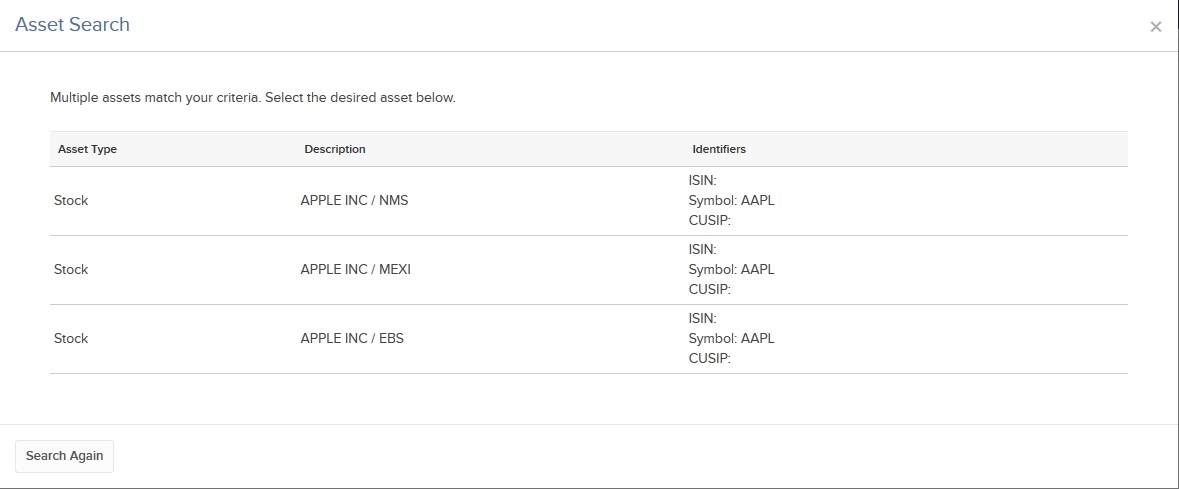
9. The Asset Search window refreshes with a list of matching symbols. Click the one you want to transfer. Click Search Again to search to start a different asset search.
10. Enter the quantity and type of assets (Long or Short) to transfer. Select YES to transfer your entire position of the selected symbol.
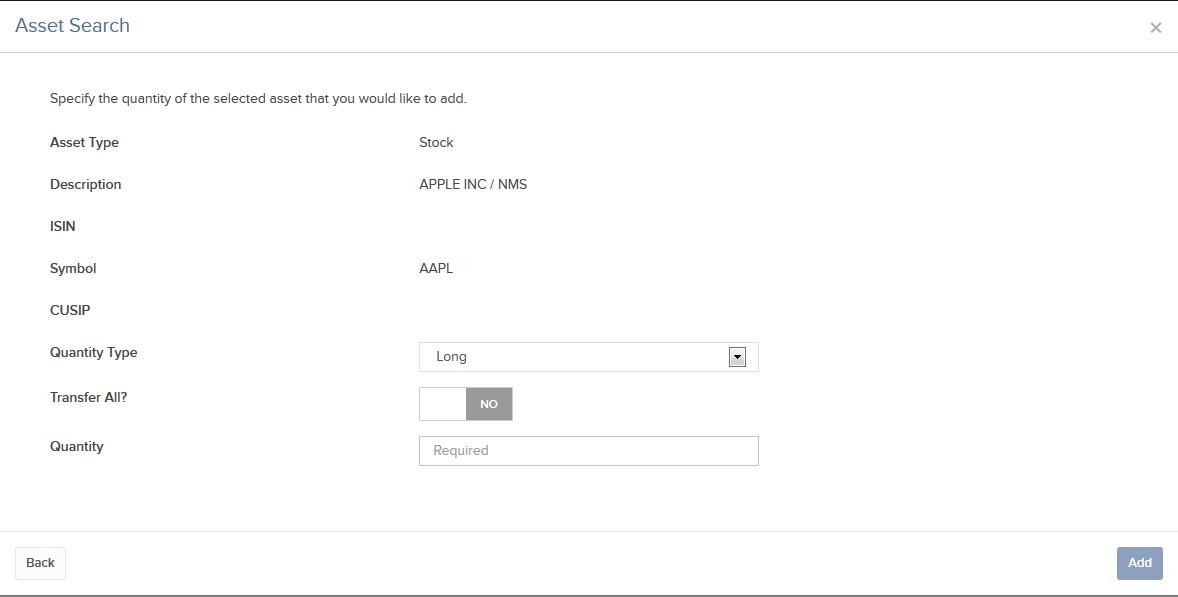
11. Click Add. The assets are added to the list of assets to transfer. You can remove assets from the transfer by clicking the X in the asset list.
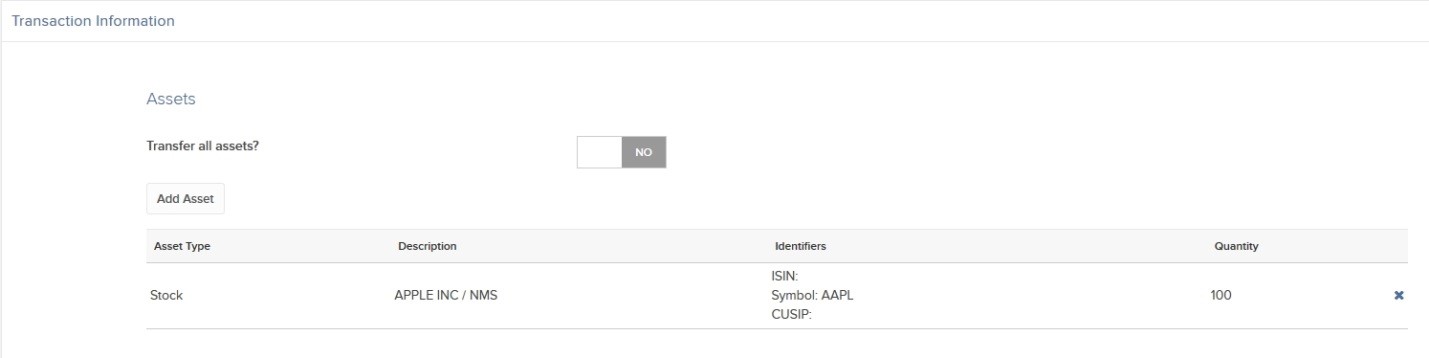
12. Once you have added all desired assets to transfer, click Continue.
13. On the page that appears, type your signature in the Signature field, and then click Continue. For outbound FOP transfers, this completes the procedure.
14. For inbound FOP notifications, after you type your signature and click Continue, a Confirmation screen appears:
- Instruct your third-party broker to send the assets you have specified. ZacksTrade will not be able to expedite transfers that are not properly instructed at your third-party broker.
- If your third-party broker requires an authorization form, click View Form to access and print the Authorization Form.
- Sign the Letter of Authorization and send it to your third-party broker.
- FOP notifications are valid for five business days before they expire. Once this FOP notification has expired, ZacksTrade will not accept the shares.