Internal Transfer only available to:
- Fund transferred to another linked Zacks Trade account with matching Account Name, Account Title and Tax ID.
Complete the following steps:
1. Log in to Client Portal and click Transfer & Pay > Transfer Funds.
2. In the Transaction Type list, select Internal Transfers.
3. The Method list is automatically set to Fund Transfer.

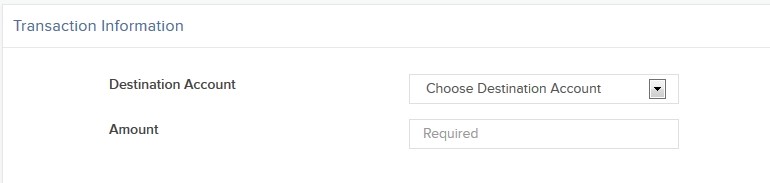
4. In the Transaction Information section, select the account to which you want to transfer funds, and enter the amount to transfer. To continue with ACATS transfer, select No for Save Broker Information.
5. Click Continue.
6. If prompted, enter your username and password.
7. You will immediately receive an email notification containing a confirmation number. Enter the confirmation number where indicated on the Internal Funds Transfer page, then click Confirm.
- If you did not receive a confirmation number, click Resend Confirmation Number to receive one.