Complete the following steps:
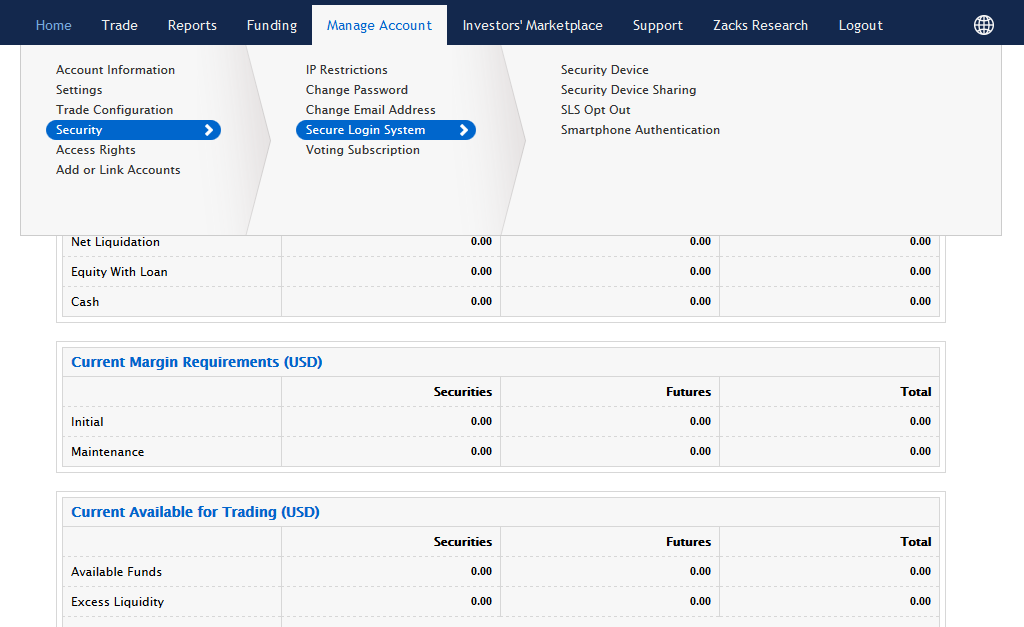
1. Log in to Account Management and click Manage Account > Security > Secure Login System > Security Device. The Request Security Device page appears by default.
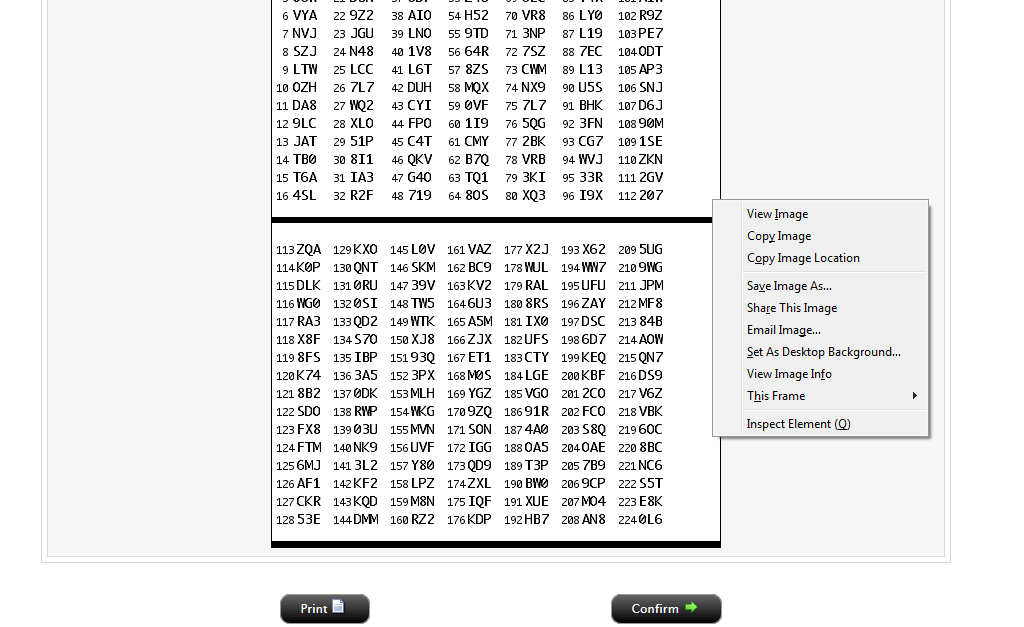
2. To obtain your Security Device, click the Yes radio button, then click Continue. An online security code card appears that you should use until you receive your Security Device from us. Click Print to print the card or right-click on the Image to save image as. Click Confirm.
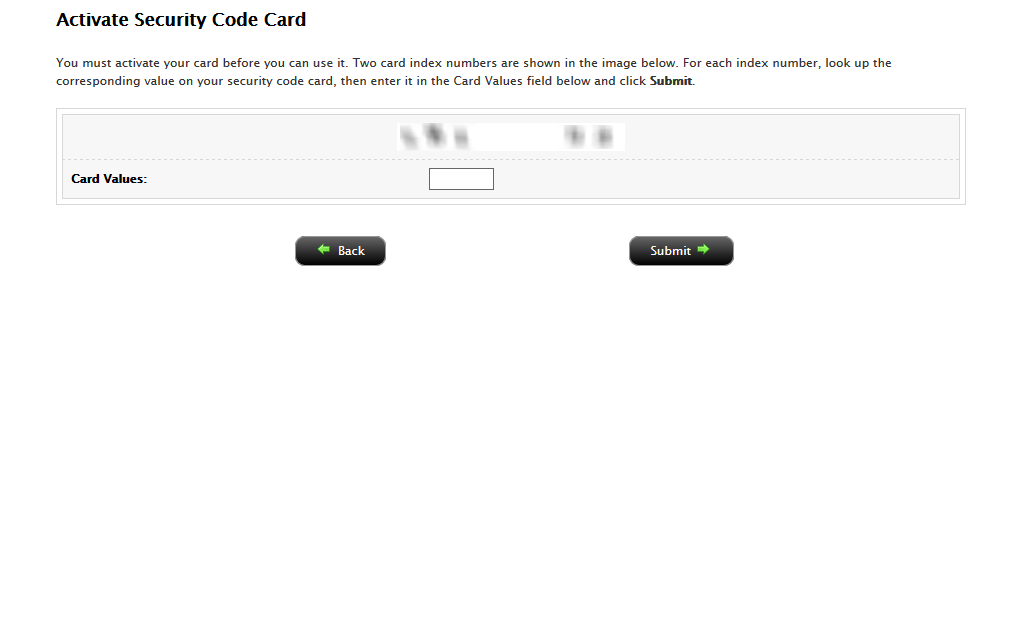
3. Activate the printout by entering the corresponding code to the numbers provided. Enter the two sets with no space. Click Confirm. The printout remains active for 3 weeks.
4. If your account is funded with at least $2,500, you are eligible to request a permanent code card on the following page. Select Continue. Confirm your mailing address and select Continue.