Complete the following steps:
1. Visit the app store on your smartphone. Search and download “Handy Trader.”
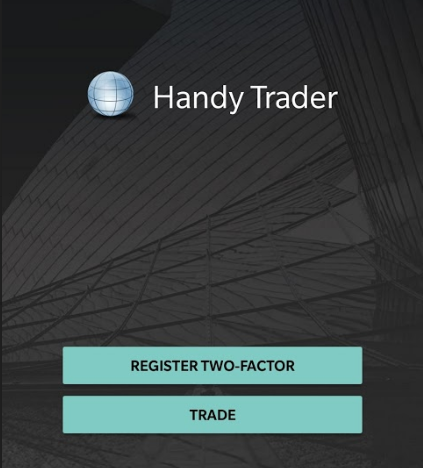
2. Click on Register Two-Factor. The next page will present you with detailed instructions on how to proceed further. Click Continue.
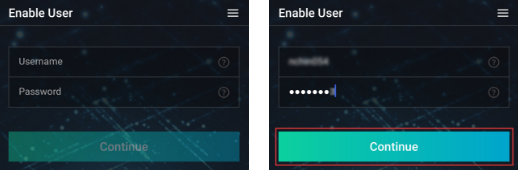
3. Enter your Account Username and Password. Tap Continue.
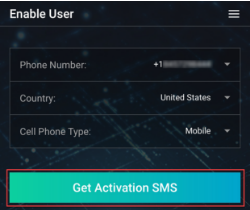
4. Next, enter your Phone number; select your Country and Cell Phone Type. Tap on Get Activation SMS.
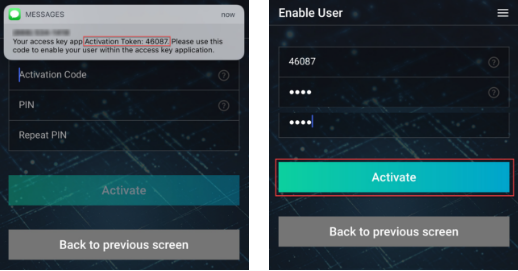
5. An SMS message will be sent with your Activation Token. Enter the Activation Token; create a Recovery PIN (It must be at least 4 and up to 6 characters (letters, numbers and special characters are allowed). Repeat PIN then tap on Activate.
6. Next page will confirm that you activated Handy Trader successfully. You may now exit the application.
See below on how to use Handy Trader’s Two-Factors to login to account management or trading platform:
1. Log into the trading platform or Account Management with your username and password. If your entries are correct, a notification is sent to your phone.
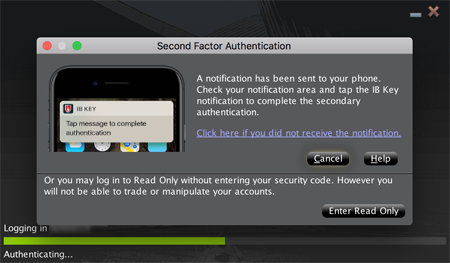
2. Tap the notification and enter your PIN or use fingerprint if prompted.