Complete the following steps:
1. Log in to Account Management and click Manage Account > Security > Secure Login System > Security Device. The Request Security Device page appears by default.
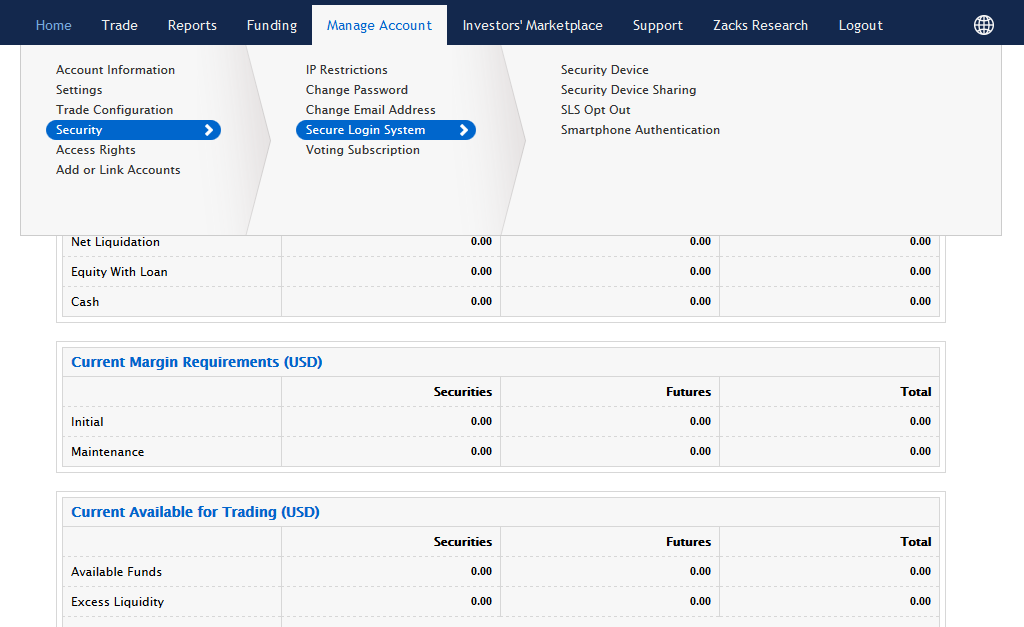
2. To obtain your new Security Device, click the Yes radio button for Request New Permanent Code card, then click Continue.
3. Confirm your mailing address and select Continue.