The following instructions are dedicated to the ZacksTrader platform.
1. In Order Management, select Cancel beside your order.
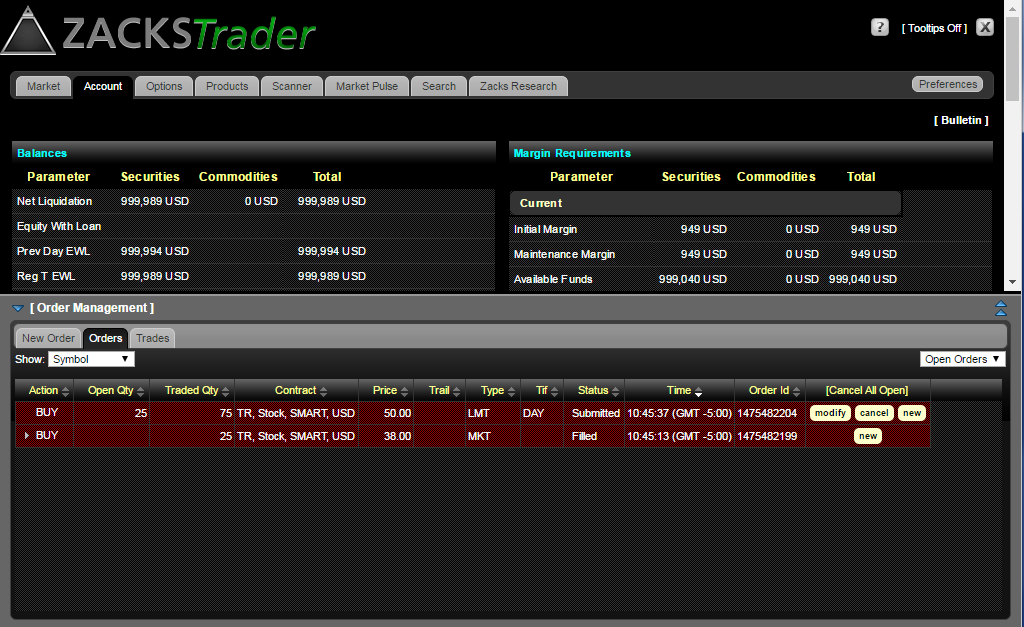
2. You will then see the order status change to ‘Cancelled’ under Orders.
The following instructions are dedicated to the ZacksTrader platform.
1. In Order Management, select Cancel beside your order.
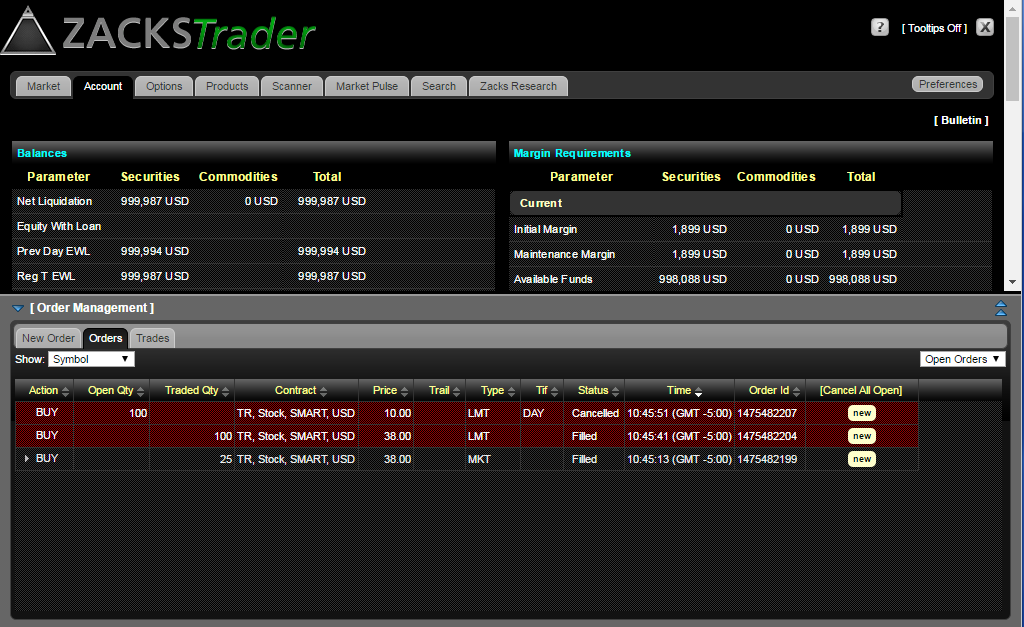
2. You will then see the order status change to ‘Cancelled’ under Orders.