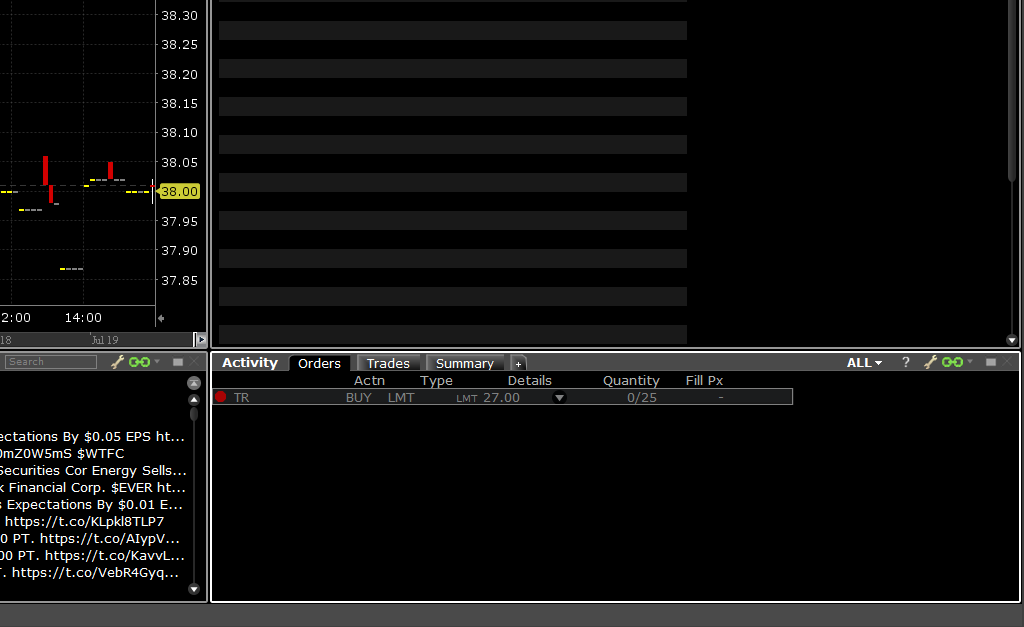
The following instructions are dedicated to the Mosaic layout of ZacksTrade Pro. You will need the Orders tab of the Activity Module.
Complete the following steps:
1. Right-click on the active order and select Cancel.
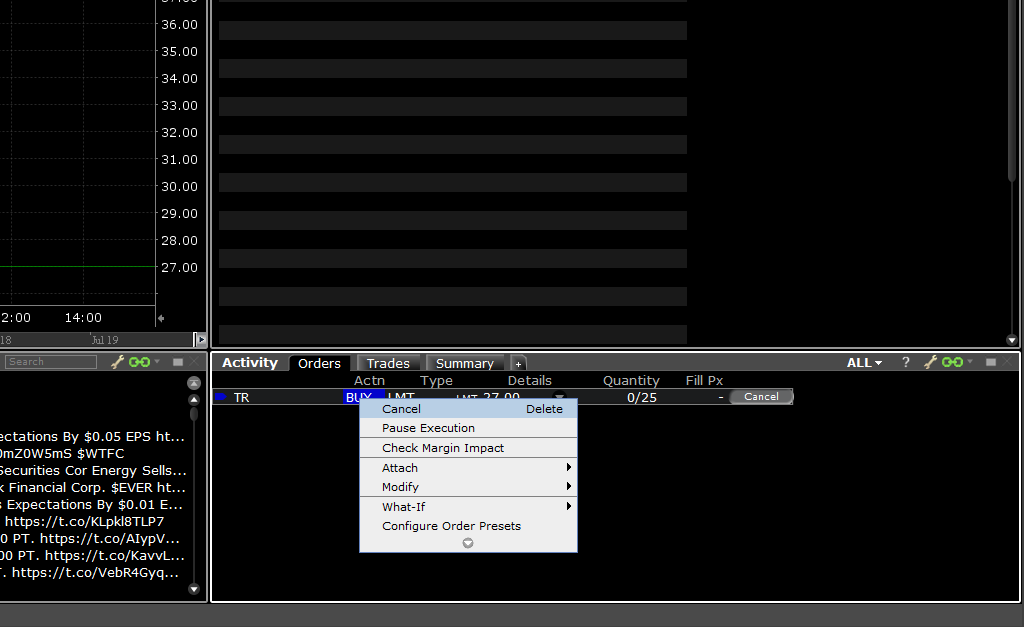
2. You will then see the order status change to a red circle on the left under Orders.