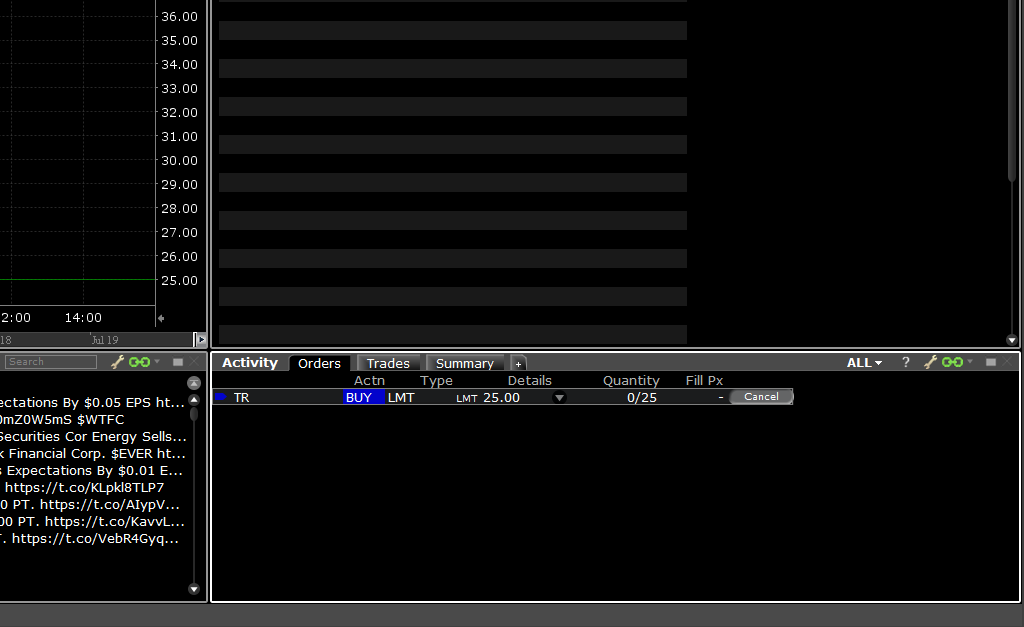
The following instructions are dedicated to the Mosaic layout of ZacksTrade Pro. You will need the Orders tab of the Activity Module.
Complete the following steps:
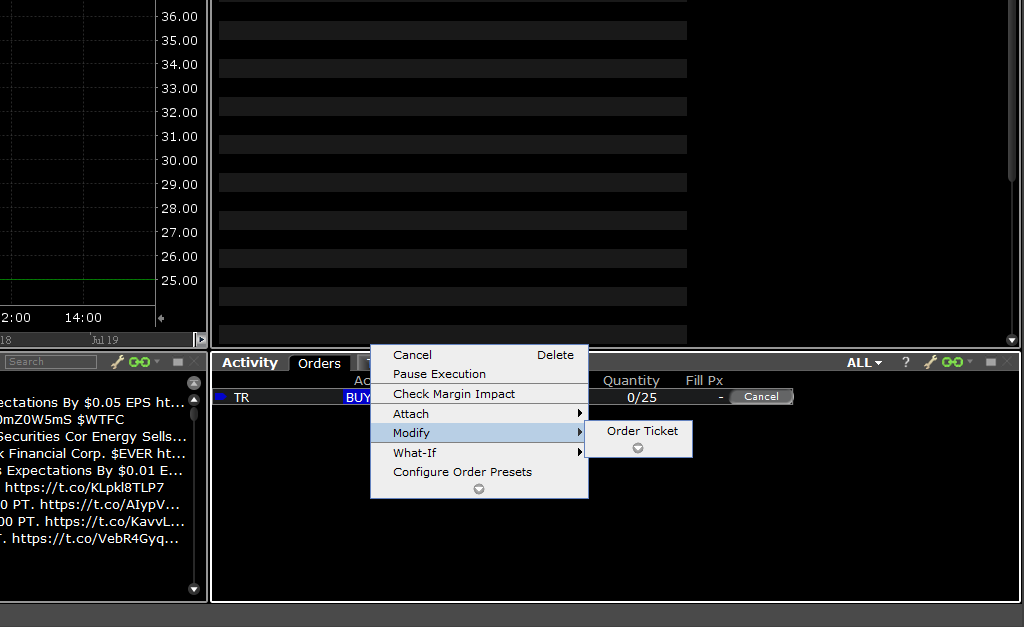
1. Right-click on the active order and select Modify > Order Ticket.
2. The order ticket window will appear. Make the appropriate changes.
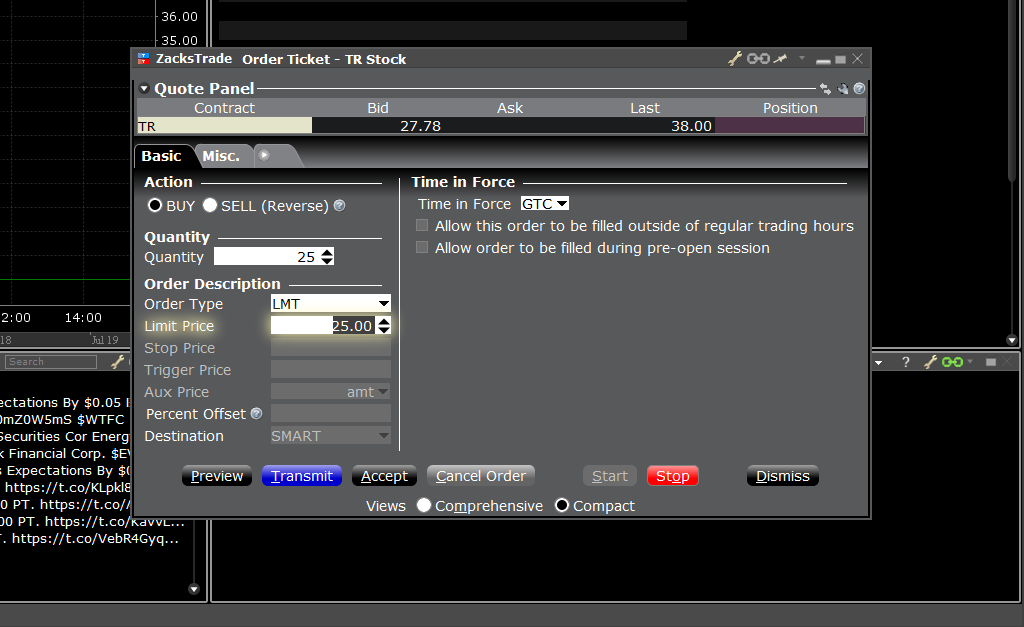
3. Review your order instruction modifications and then select Transmit.
4. You will then see the order changes appear under Orders.