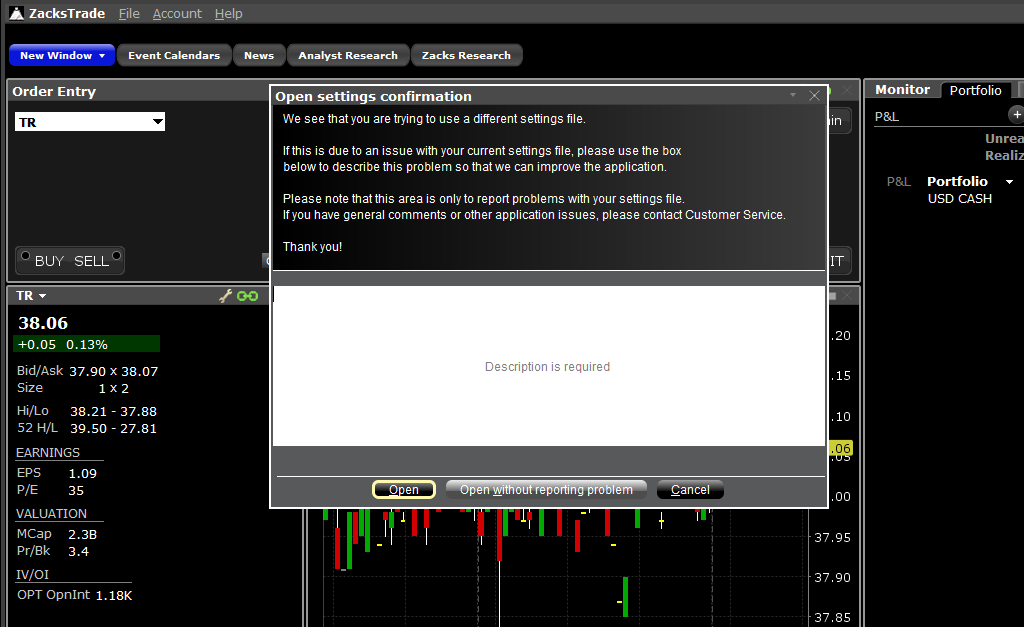
If you make any settings changes that you wish to reverse, you can revert to the settings of a previous login date. This process will not reverse account transactions, only platform settings.
Complete the following steps:
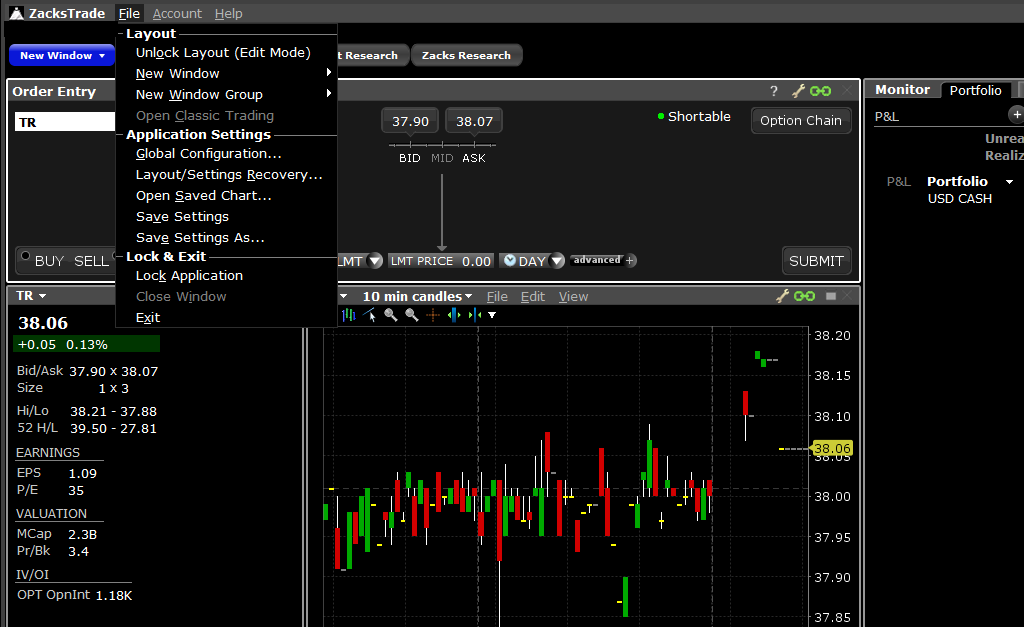
1. Select File > Layout/Settings Recovery.
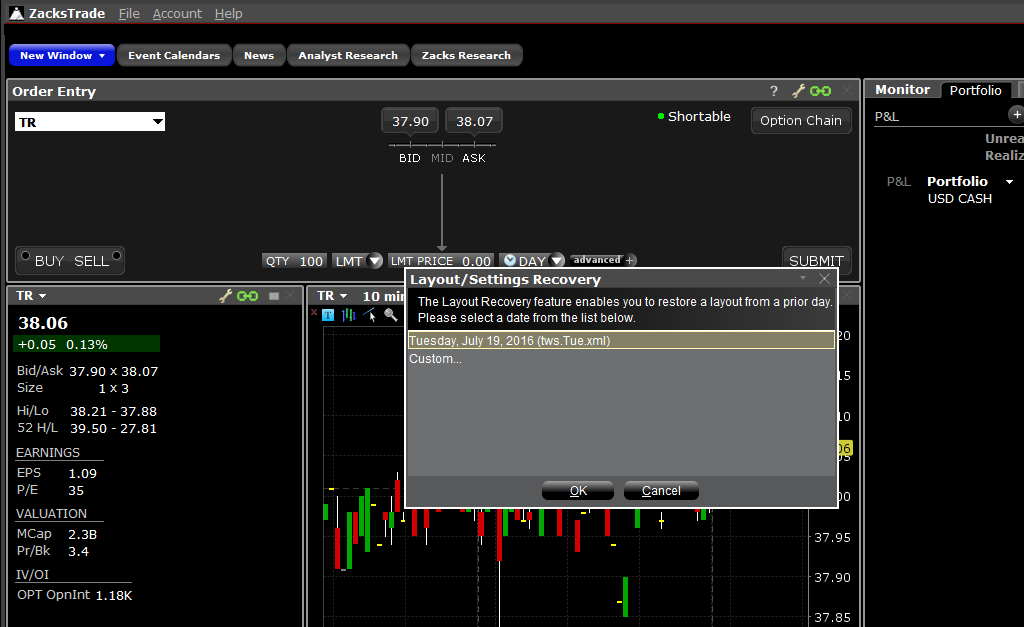
2. Select the date you wish to return to and select OK.
3. You can choose to write a message reporting a problem or you can select Open without Reporting Problem. The platform will then close and reopen automatically with the settings from the date you selected.